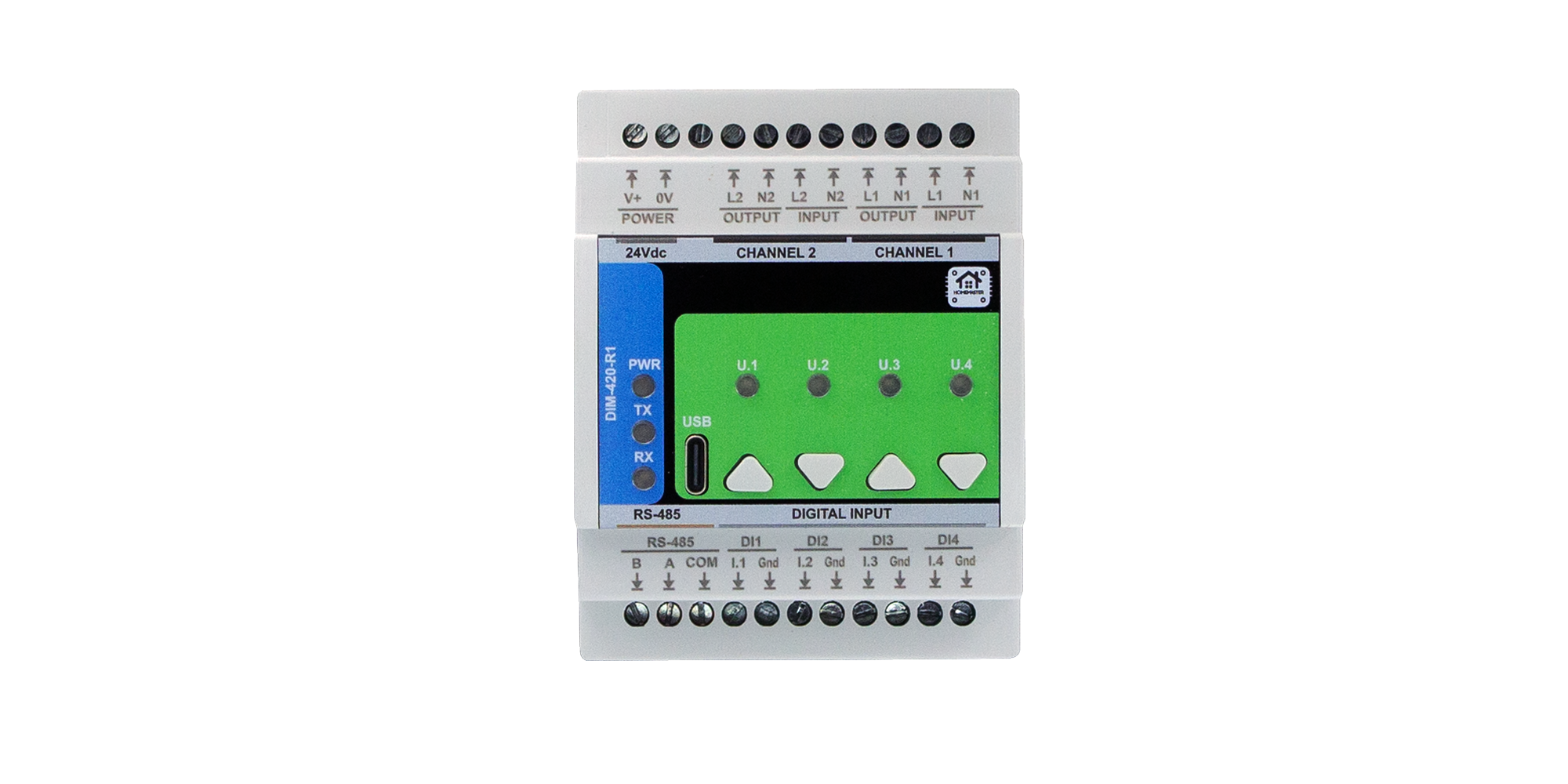
DIM-420-R1 Module Configuration
Configure Modbus, digital inputs, dimming channels, buttons, and user LEDs via Web Serial.
Configure Modbus, digital inputs, dimming channels, buttons, and user LEDs via Web Serial.
Adjust dimmer channels and monitor live AC state.
Map physical inputs to dimmer actions and targets.
Configure local pushbuttons for quick dimmer control.
Hardware note: On-board buttons are inverted in the schematic and handled in firmware (HIGH = pressed).
Indicate dimmer and system states with user LEDs.